
Asana time tracking integrationAsana + Keito
Track time without leaving Asana, then keep approvals, budgets, reports, and billing together in Keito.

Overview
Keep the task and the timesheet connected
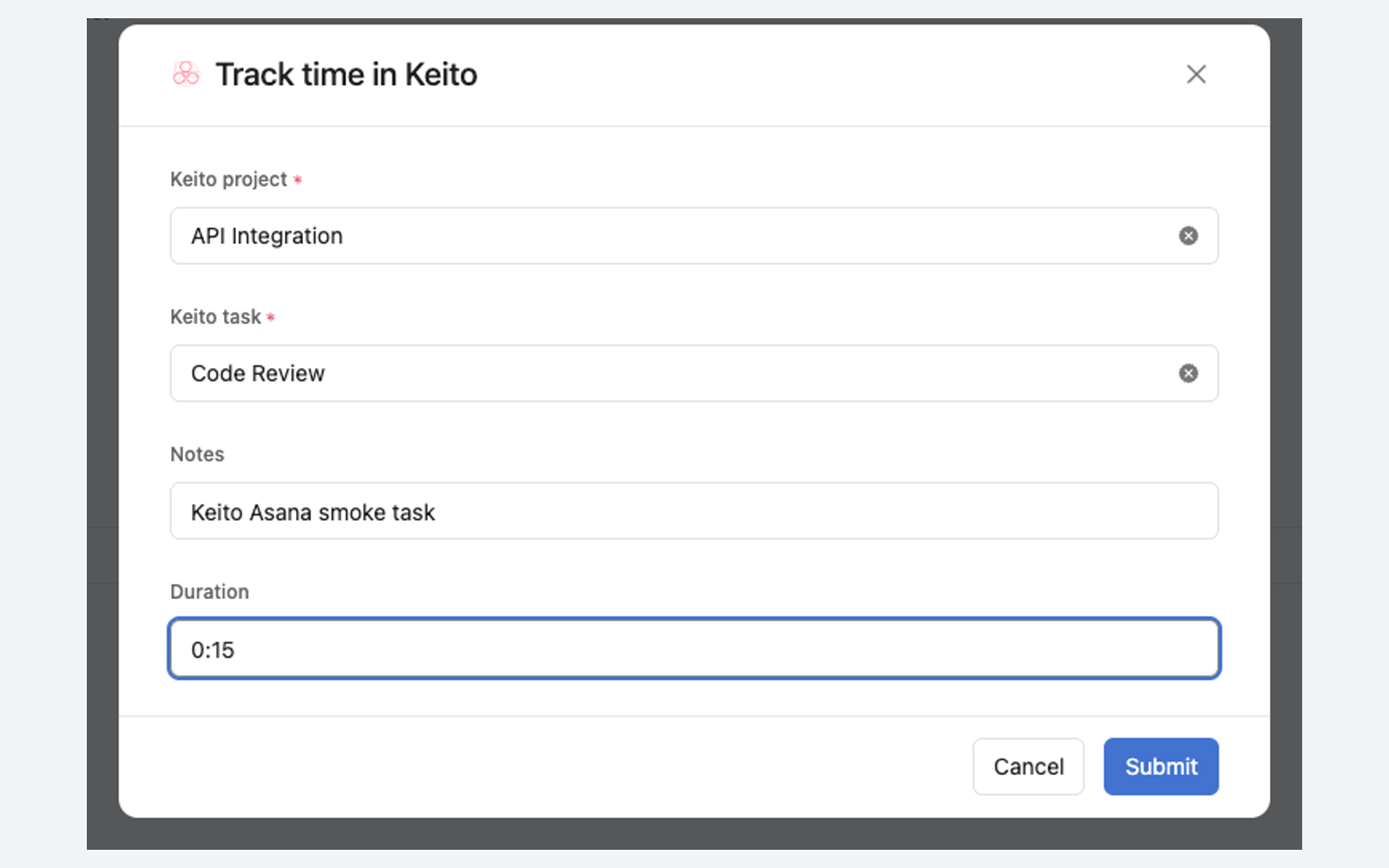
Keito puts a Track time in Keito form and a live summary widget directly on Asana tasks. Your team can start a timer or log completed time in the task pane, with the task name prefilled and every entry linked back to the work that created it.
Business admins can also import Asana projects and people and enable one-way project sync. The team keeps organising work in Asana while Keito handles time approval, budgets, reporting, and client billing.
Key features
- Start timers or log completed time from an Asana task
- Remember each teammate’s project and task choices
- See team time, your time, and timer status in the task widget
- Open the matching detailed time report in Keito
How it works
Start tracking in three steps
- 1
Connect the workspace
A Keito owner or administrator installs Keito in Asana and connects the matching workspaces.
- 2
Link each teammate
Each person connects their own Asana and Keito accounts so time is attributed correctly.
- 3
Track from the task
Choose a Keito project and task, then start a timer or enter a completed duration.
Asana + Keito
Make every hour easier to trace and bill
Bring task context into Keito without asking your team to rebuild the way it works.
- Free 14-day trial
- Cancel anytime
- No per-seat fees
Asana task
Homepage design review
Keito project
Website redesign
Time
1:45