Time tracking, billing, and agentic AI guides
Practical guides on automatic time tracking, billable hours, invoicing workflows, and tracking human plus AI agent work with Keito.
Browse by topic below, or jump into the starter guides for the workflows teams ask about most: automatic capture, billable hours, and tracking AI agents alongside people.
Starter guides
High-signal posts that explain the core Keito workflows without fluff.
Best time tracking software overview
How modern teams choose a tracker that supports billing, not just timers.
Track time by task and project automatically
Map repos and calendars so draft timesheets build themselves.
Agentic AI vs generative AI
Why autonomous AI work needs cost tracking and accountability.
How to track billable hours
Turn captured work into invoice-ready hours with less cleanup.
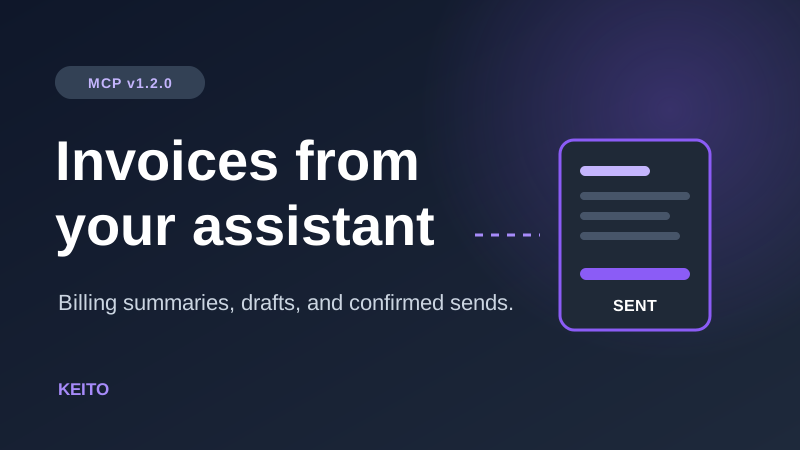
Invoices, estimates, and project setup from your AI assistant
Keito's hosted MCP connector now shows what has been invoiced, drafts and sends invoices, drafts estimates, manages client contacts, and sets up clients, projects, and tasks from Claude Desktop, ChatGPT, and Grok Build.
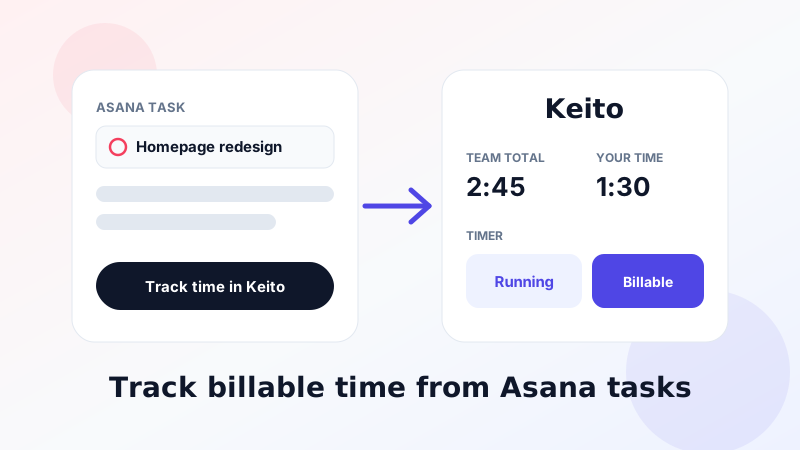
How to Track Time in Asana with Keito: Timers, Billable Hours and Project Sync
Keito for Asana is now in the Asana app gallery. Learn how to track billable time from Asana tasks on Keito Business: install, timers, manual entries, the task widget, import and sync.
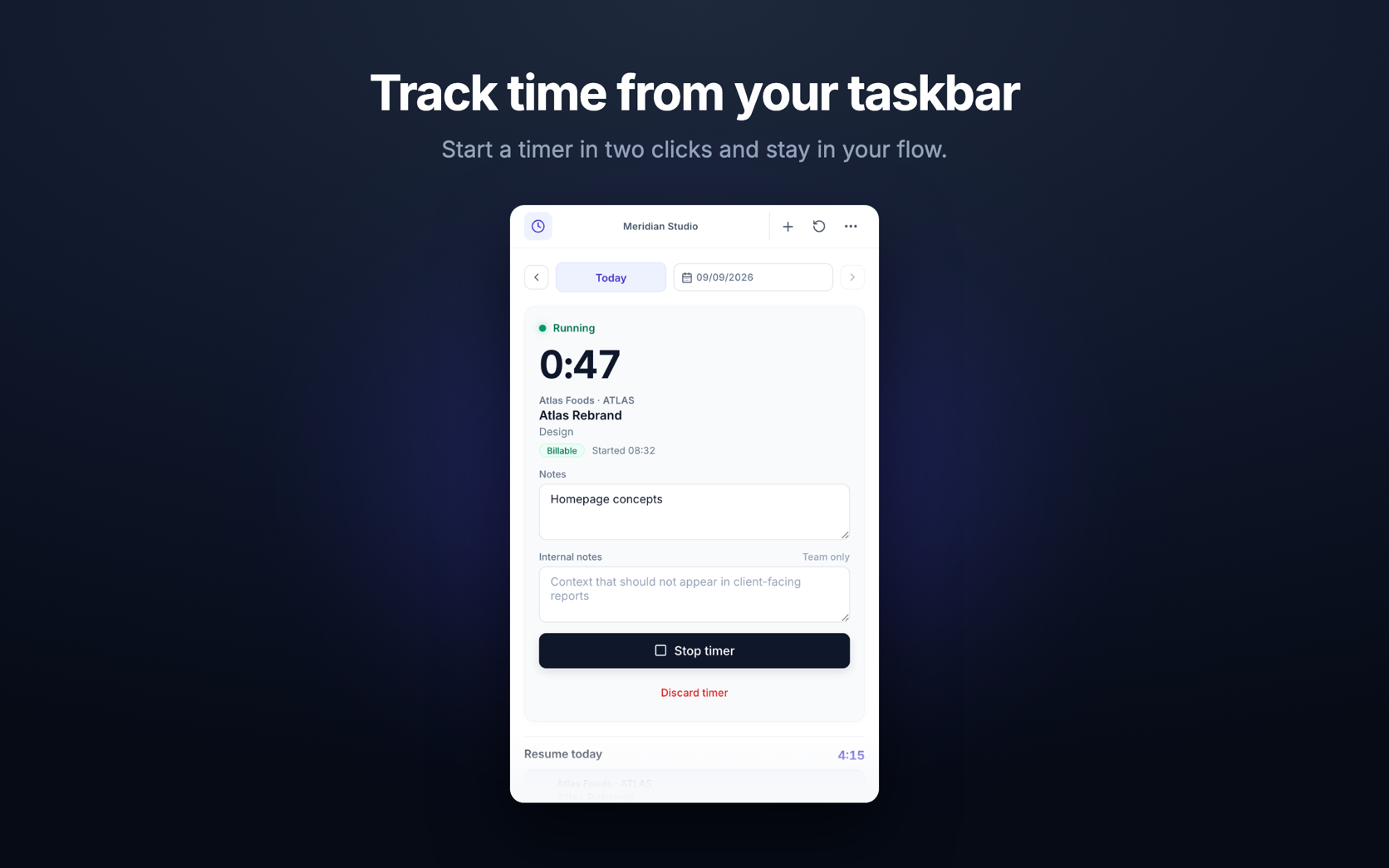
Keito for Windows: Time Tracking from the Taskbar
Keito for Windows brings the desktop timer to Windows 10 and 11. Start client timers from the notification area, keep working offline, and sync with your Keito workspace.
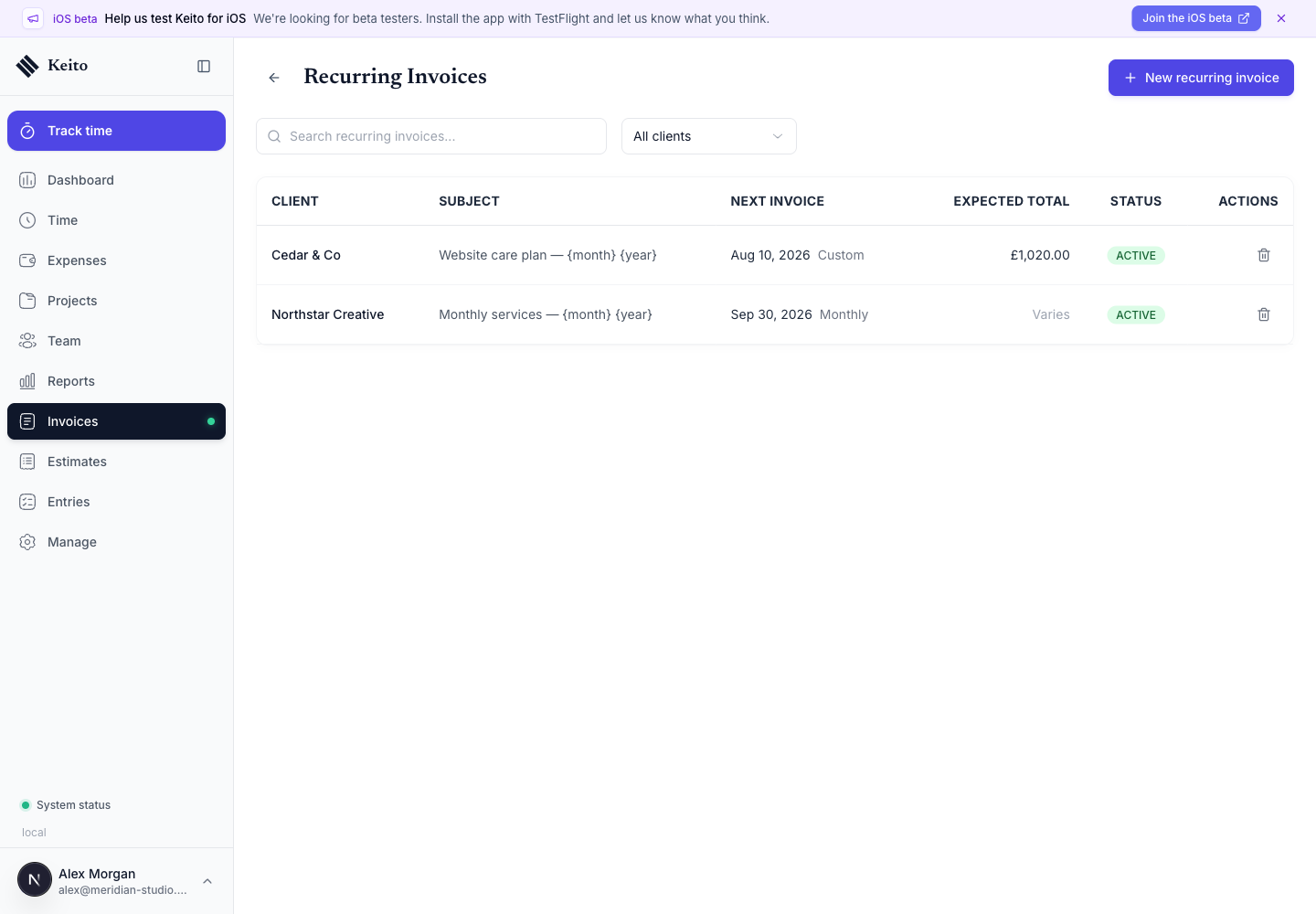
How to Automate Recurring Invoices in Keito: Complete Guide
Set up recurring invoices from tracked time, expenses, or fixed line items with schedules, template variables, reminders, and a safe review workflow.
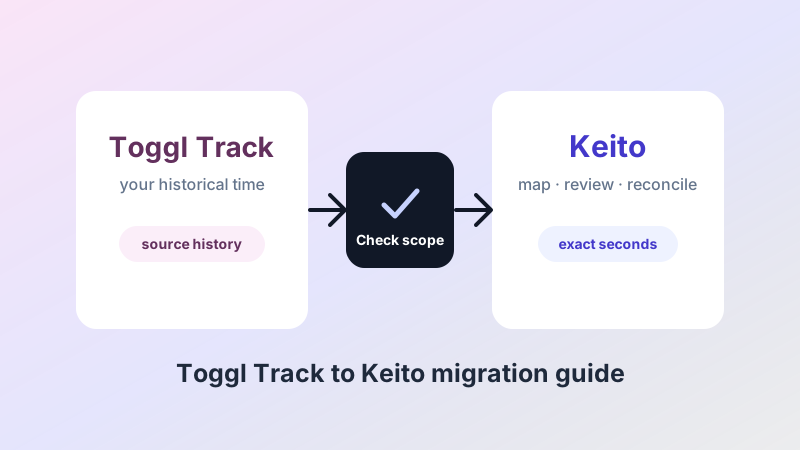
Migrate from Toggl Track to Keito: History, Checks and Cutover
Prepare a Toggl Track history import in Keito Settings, choose safe update rules, follow background progress and reconcile exact time. Private beta pending.
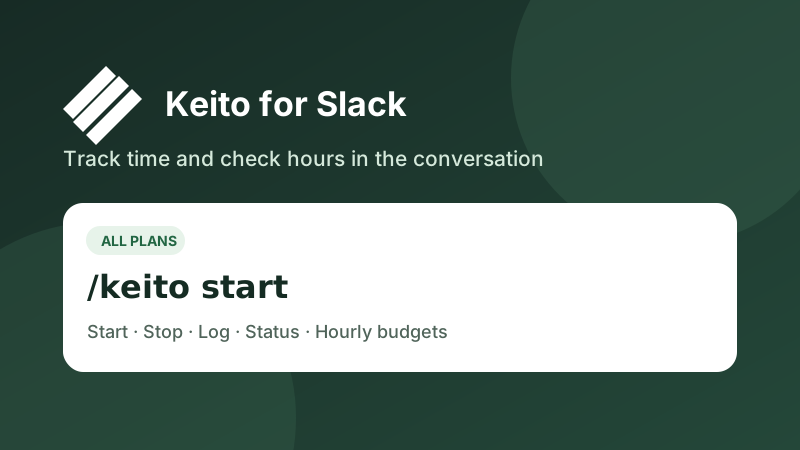
Keito for Slack is here: track time where your team works
Learn how to track time, log completed work, check hourly budgets, and share approved project updates with Keito for Slack on Solo, Pro, and Business.
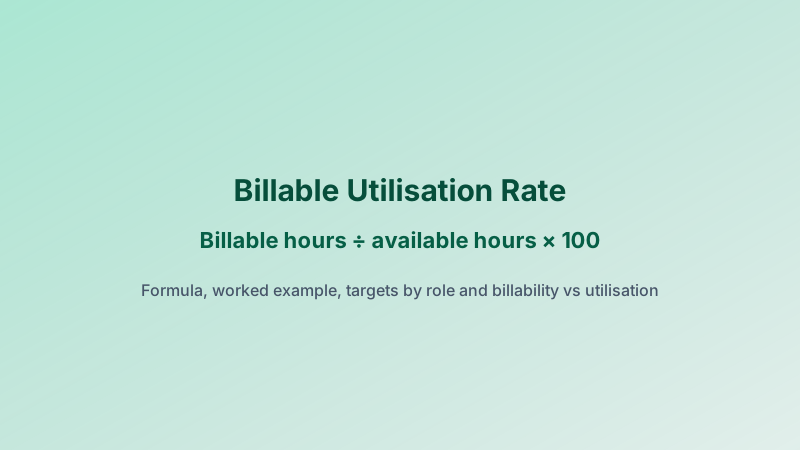
Billable Utilization Rate: Formula, Benchmarks and How to Improve It
How to calculate billable utilisation rate, with US and UK available hours, a worked timesheet example, targets by role and billability vs utilisation.
How to Get Employees to Submit Timesheets on Time (and Approve Them Faster)
How to get employees to submit timesheets on time: one weekly deadline, reminder templates, a named approver and a Friday-to-Tuesday approval cycle.
How to Set Up Time Tracking in QuickBooks Online
How to set up time tracking in QuickBooks Online: turn it on, choose timesheet fields, add time-only users and turn billable hours into invoices.
Project Profitability: How to Calculate It (With a Worked Agency Example)
The project profitability formula, the cost rates most teams forget, and a worked agency example using tracked and approved hours.
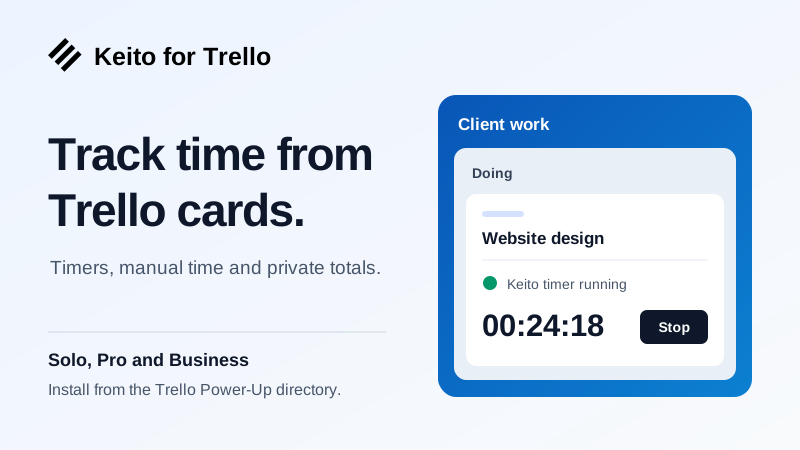
Keito for Trello: track time directly from your cards
The Keito Power-Up is now in Trello's public directory. Start timers, log completed time and keep card references in Keito on Solo, Pro and Business.
Does Xero Have Time Tracking? Xero Projects vs Time-Tracking Add-ons
Xero tracks time only inside Xero Projects. See what it covers, which plan you need, its limits for teams, and when a time tracking add-on fits.
Harvest Time Tracking: How It Works, What It Costs and When to Switch
How Harvest time tracking works, current pricing and limits, and the signs it's time to move to approval-first time tracking and invoicing.

Toggl Alternatives for Teams That Need Approvals and Invoicing
Toggl Track alternatives compared on approvals, billable rates and invoicing — with current pricing checked on each vendor's site.

Time and Billing Software: How Approved Hours Become Accurate Invoices
What time and billing software does, the approval step most tools skip, and a checklist for choosing one for a professional services firm.
Project Expense Tracking: How to Capture and Bill Project Costs
Project expense tracking made practical: which costs to capture, how to tag them to projects and clients, and how to bill reimbursable expenses without leaks.

What Is Revenue Leakage? Causes and Fixes for Services Firms
What is revenue leakage? Common causes in services firms - unbilled hours, write-offs, rate errors, late invoices - and how to measure and fix each.

Time Tracking Software for Engineering: Track Hours by Phase
Time tracking software for engineering firms and engineers: log hours by project, phase and task, compare them with the fee, and invoice approved time.
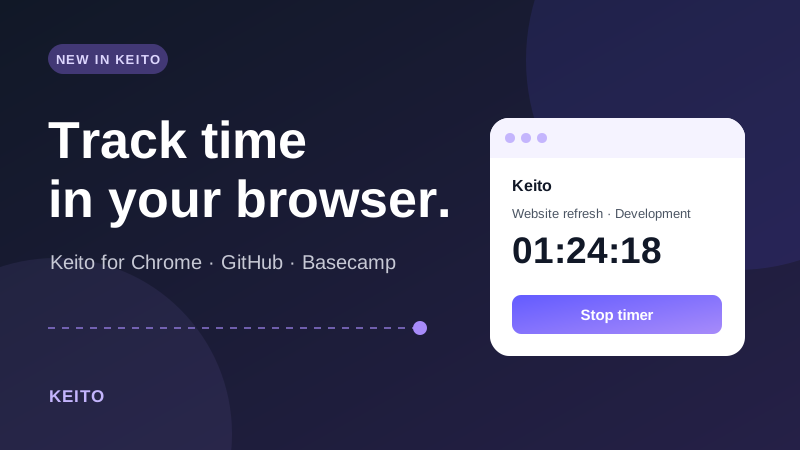
Keito for Chrome: track time from GitHub and Basecamp
Use Keito's Chrome toolbar timer, add manual time, and start from GitHub issues, pull requests, or linked Basecamp to-dos.

What Is Professional Services Automation? PSA Software Explained
Professional services automation (PSA) is software that runs client work from quote to invoice. What a PSA tool does, PSA vs ERP, costs, and when you need one.

AI Automation Agency Pricing: Build Fees, Retainers and Usage
How AI automation agencies price work: build fees, monthly retainers, usage pass-through and outcome pricing, with the cost data you need to stay profitable.
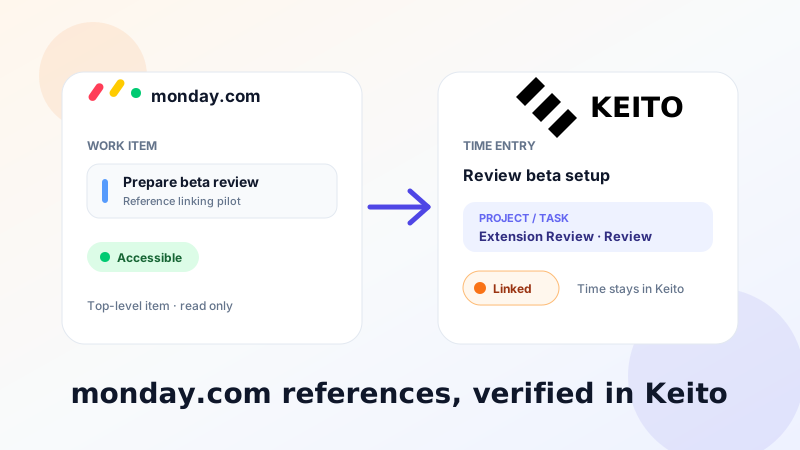
Link monday.com work to Keito time entries
Keito's monday.com integration is available to all Business workspaces. Map boards and items, then attach verified, permission-aware references to Keito time entries.

How to Keep Track of Billable Hours: 7 Methods That Work
How to keep track of billable hours: seven methods from spreadsheets to automatic trackers, a daily routine that stops missed time, and a free tracker template.
Notion Time Tracking: How to Track Time in Notion (and When to Stop)
Notion time tracking step by step: log time sessions in a database, use a free template, add a start/stop timer, and know when a dedicated tracker is better.
6-Minute Billing Increments Chart: Minutes to Tenths of an Hour
A printable 6-minute billing increments chart: convert minutes to tenths of an hour, see rounding rules, and bill time in 0.1-hour units without errors.

Harvest Pricing Explained: Plans, Seat Costs and Alternatives
Harvest pricing explained: what each plan includes, how per-seat costs add up for a growing team, what Forecast adds, and when switching makes sense.

Time Tracking Software for Architects: What to Choose in 2026
Time tracking software for architects: compare tools for RIBA/AIA stage billing, fee budgets and project profitability, with a checklist for small practices.

Time Tracking Software for Consultants: Can AI Track Hours?
Can AI track billable hours for consultants? Yes: it logs client work as you go and drafts entries you approve. How to track consulting hours with AI.
Frequently asked questions
What topics does the Keito blog cover?
Guides on automatic time tracking, billable hours and invoicing, developer workflows, integrations, and how to track human plus AI agent work in one billing record.
Who is this blog for?
Professional services teams, agencies, freelancers, and operators who need clean client billing evidence without rebuilding timesheets from exports.
Where should I start?
Start with the time tracking software overview, then read how to track time by task automatically, or jump to agentic AI vs generative AI if you are deploying AI agents on client work.
Ready to stop overpaying?
Start Solo at $19 USD/month, or bring the team onto flat-rate Pro when you are ready.