
ChatGPT MCP integrationBetaChatGPT + Keito
Use Keito tools from ChatGPT and review important changes before they happen.

Overview
Work with Keito from ChatGPT
The developer beta lets ChatGPT find Keito projects, control timers, record completed work, review time and expenses, and use the project or billing tools available to the person who signed in.
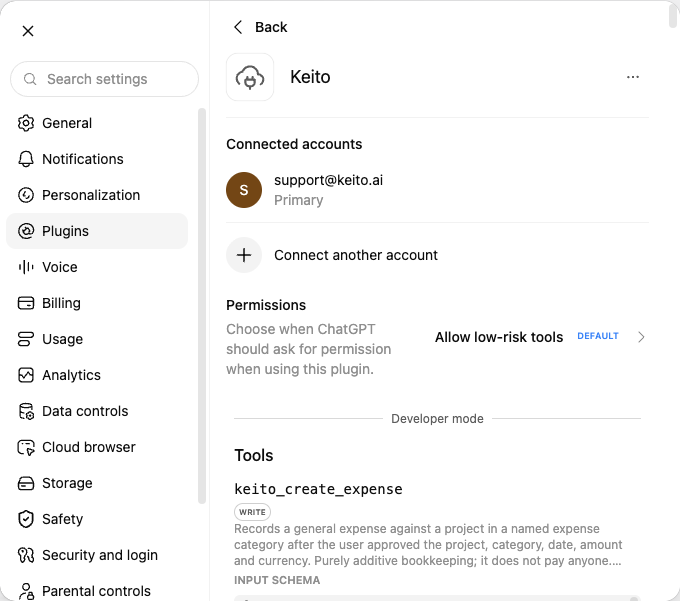
The connection uses ChatGPT developer mode and is not yet listed in the public directory. Sign-in happens securely in the browser, and Keito never monitors conversations or tracks time in the background.
Key features
- Sign in securely with Keito
- Use the same access as the connected user
- Confirm important changes before they run
- Choose the Keito workspace explicitly
How it works
Connect the developer beta in three steps
- 1
Enable developer mode
Check that your ChatGPT plan and workspace allow developer connections.
- 2
Add Keito
Create the Keito connection and sign in securely in the browser.
- 3
Check the connection
Ask ChatGPT to show your Keito workspace and current timer before making changes.
ChatGPT + Keito
Manage Keito work from ChatGPT
Track work, review projects, and prepare billing while important changes stay visible for approval.
- Free 14-day trial
- Cancel anytime
- No per-seat fees
Keito action
Invoice draft prepared