
Slack time tracking integrationSlack + Keito
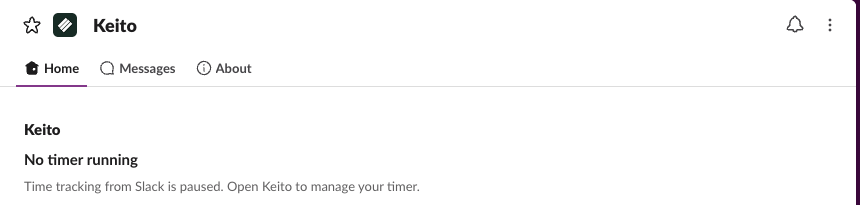
Track time, check your timer, and review hourly budgets from Slack while Keito keeps the complete record.

Overview
Track work without leaving Slack
After an administrator installs Keito, each teammate links their own account. Private Slack commands let them start or stop timers, log completed work, check their status, and choose from the projects and tasks they can access.
Hourly budget summaries stay private by default. When a team needs shared visibility, owners and administrators can approve an internal channel and share an hours-only update without exposing rates, costs, notes, or individual figures.
Key features
- Start, stop, and inspect the shared Keito timer from Slack
- Log completed time with duration and notes prefilled
- Review the hourly budgets you can access in private
- Share approved hours-only updates to selected channels
How it works
Start working from Slack in three steps
- 1
Install the workspace app
A Keito owner or administrator adds Keito to the intended Slack workspace.
- 2
Link your own account
Each teammate runs /keito connect and confirms their Keito identity privately.
- 3
Use Keito commands
Start a timer, log time, check status, or request an hourly budget summary from Slack.
Slack + Keito
Track time without leaving Slack
Start timers, log completed work, and check hourly budgets from the conversations where work happens.
- Free 14-day trial
- Cancel anytime
- No per-seat fees
Slack command
/keito start website redesign
Keito project
Website redesign
Time
0:38